Skip to content

Skyeos CPQ

Complex products. Clear choices.

Try the interactive studios

3D configurators and CPQ for manufacturers and businesses with complex products. Connect customer and dealer choices to your product rules, pricing and quotation process.

Request a CPQ demo

The Skyeos collection20 working studios

Your product.
Their design.

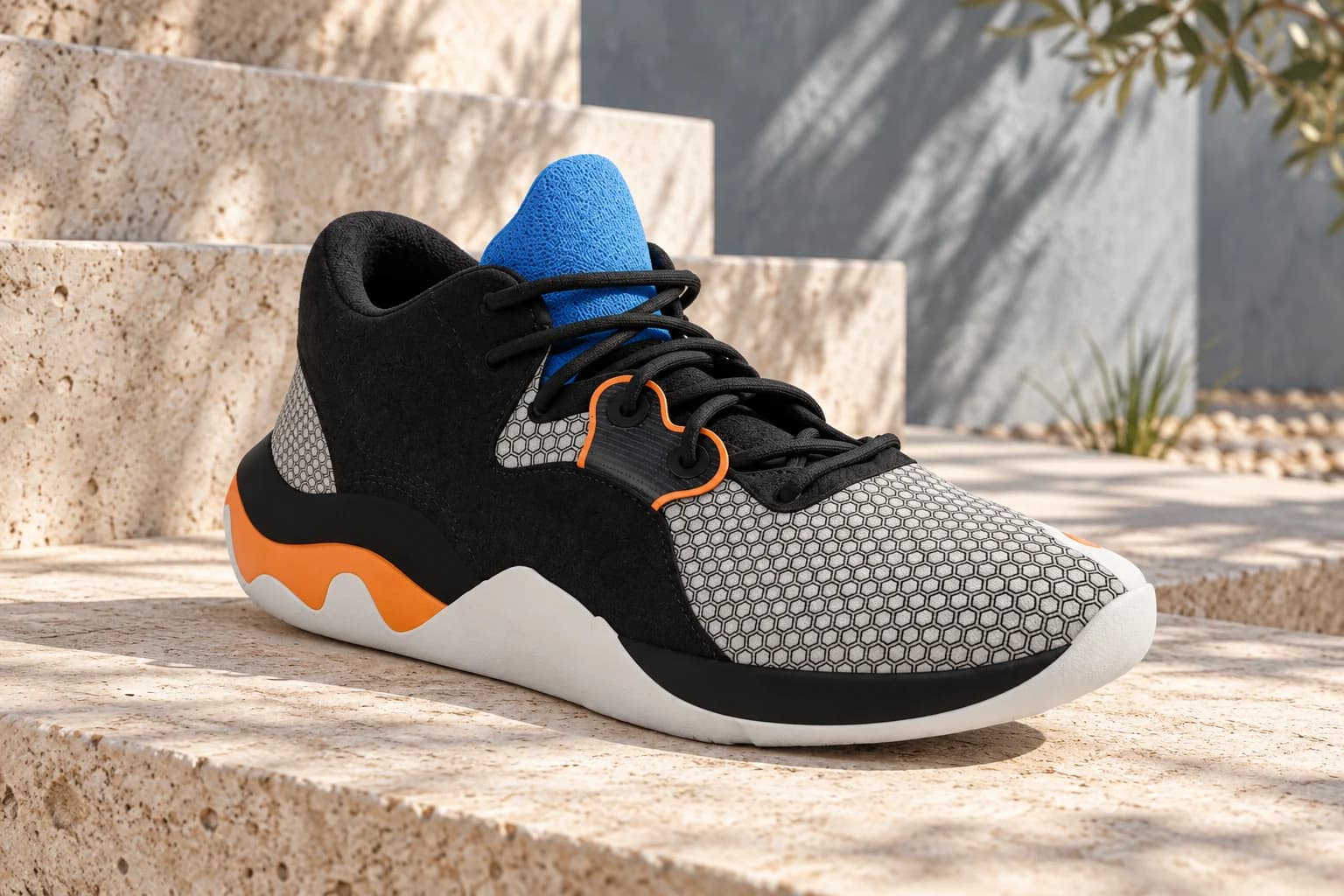
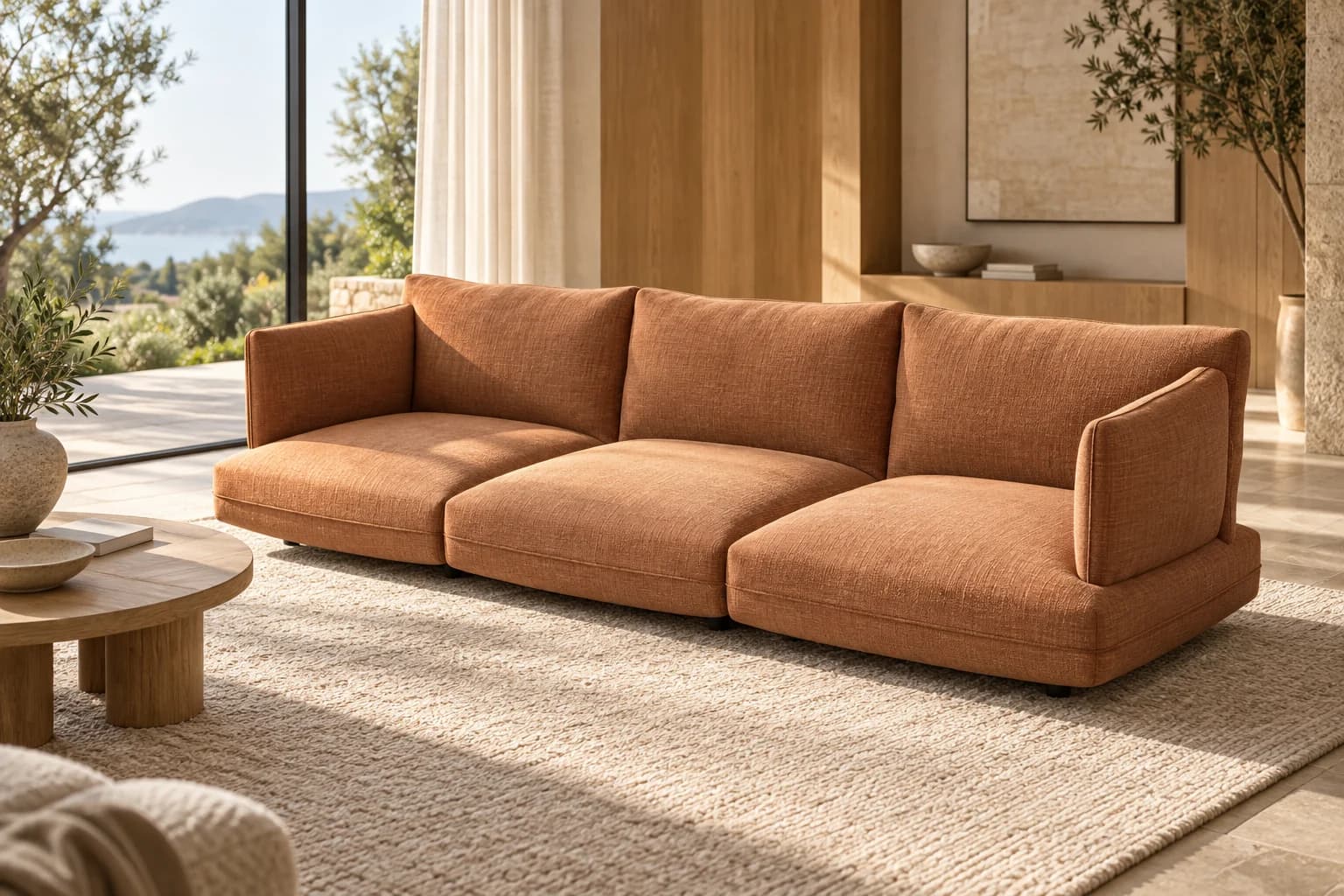
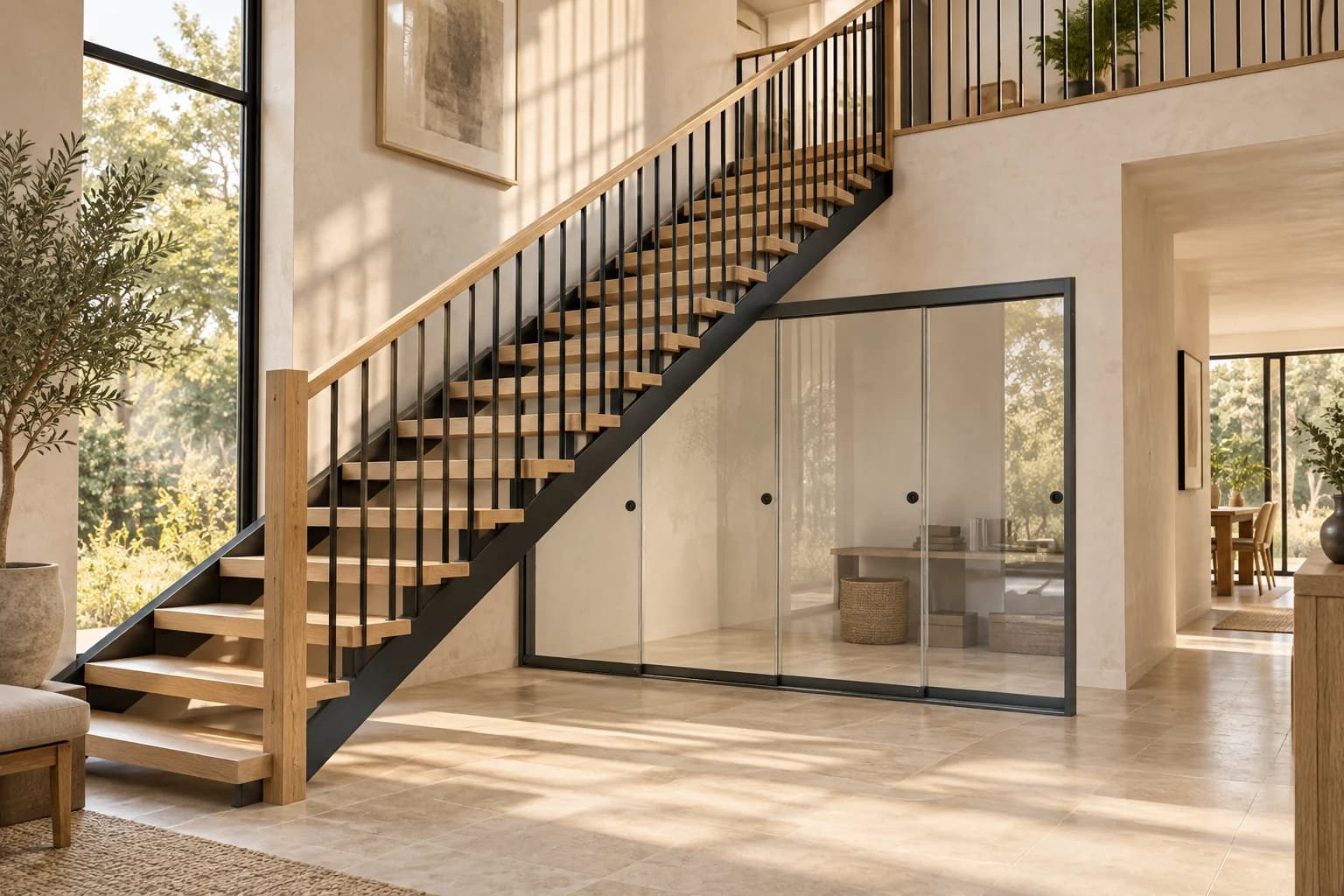
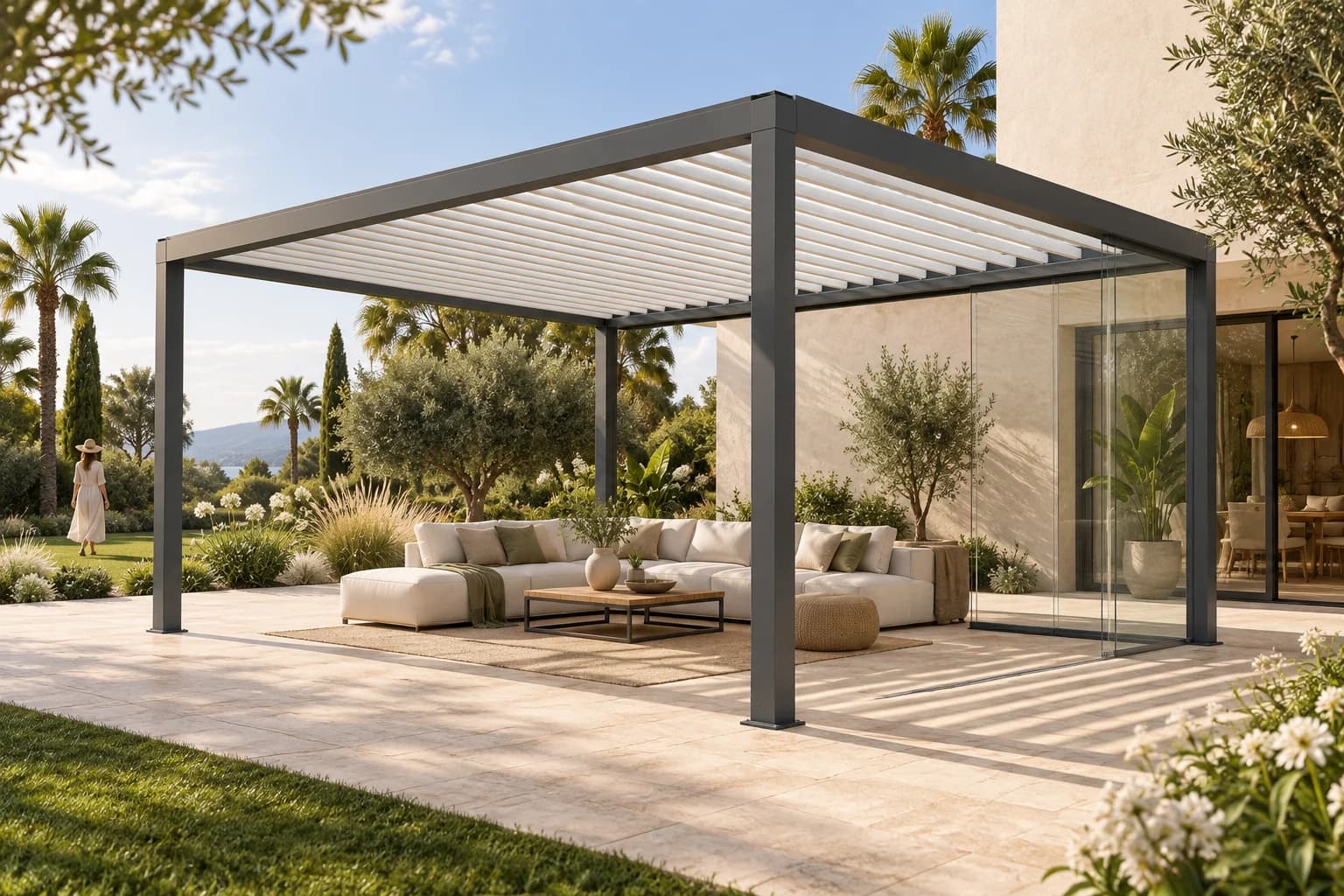
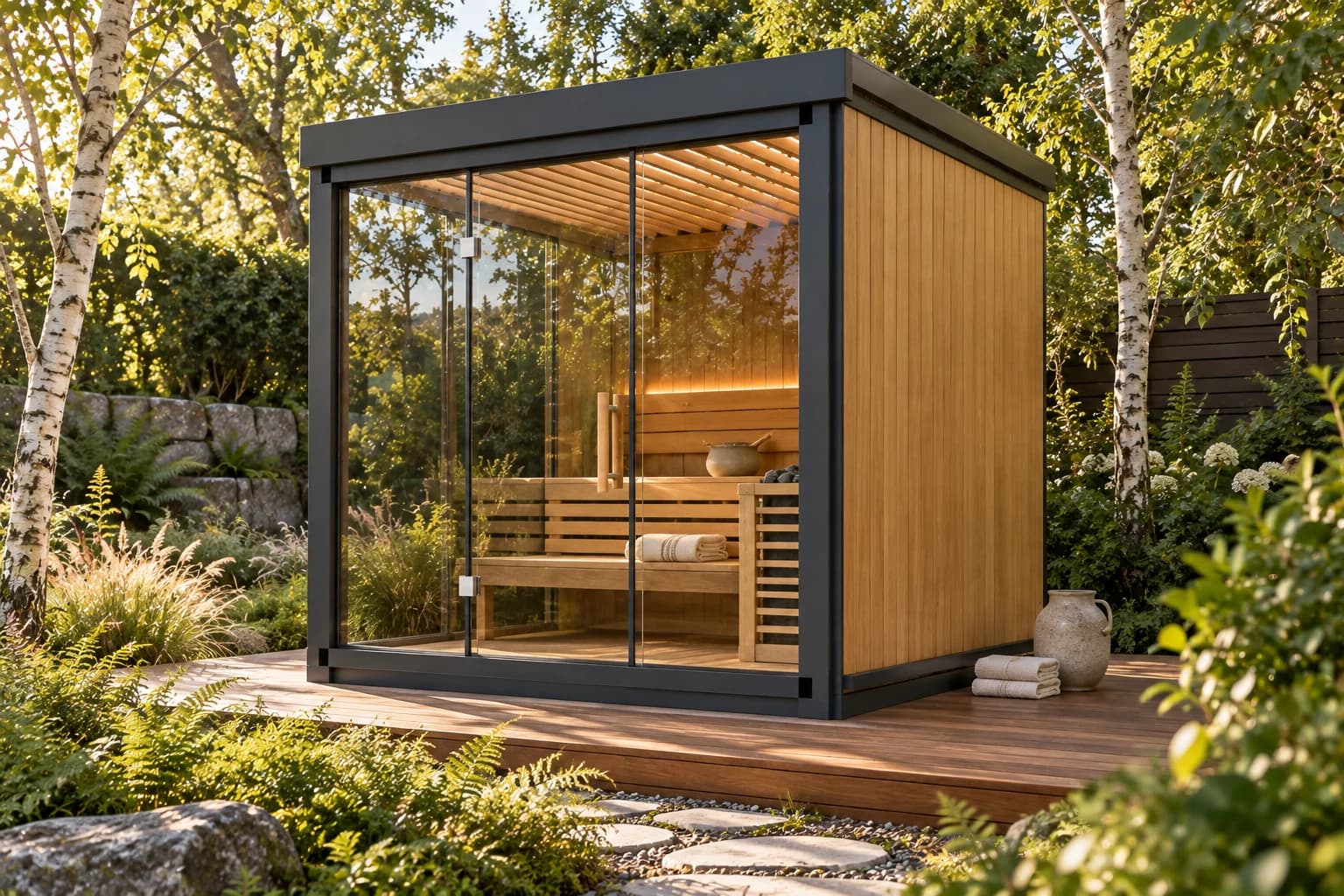
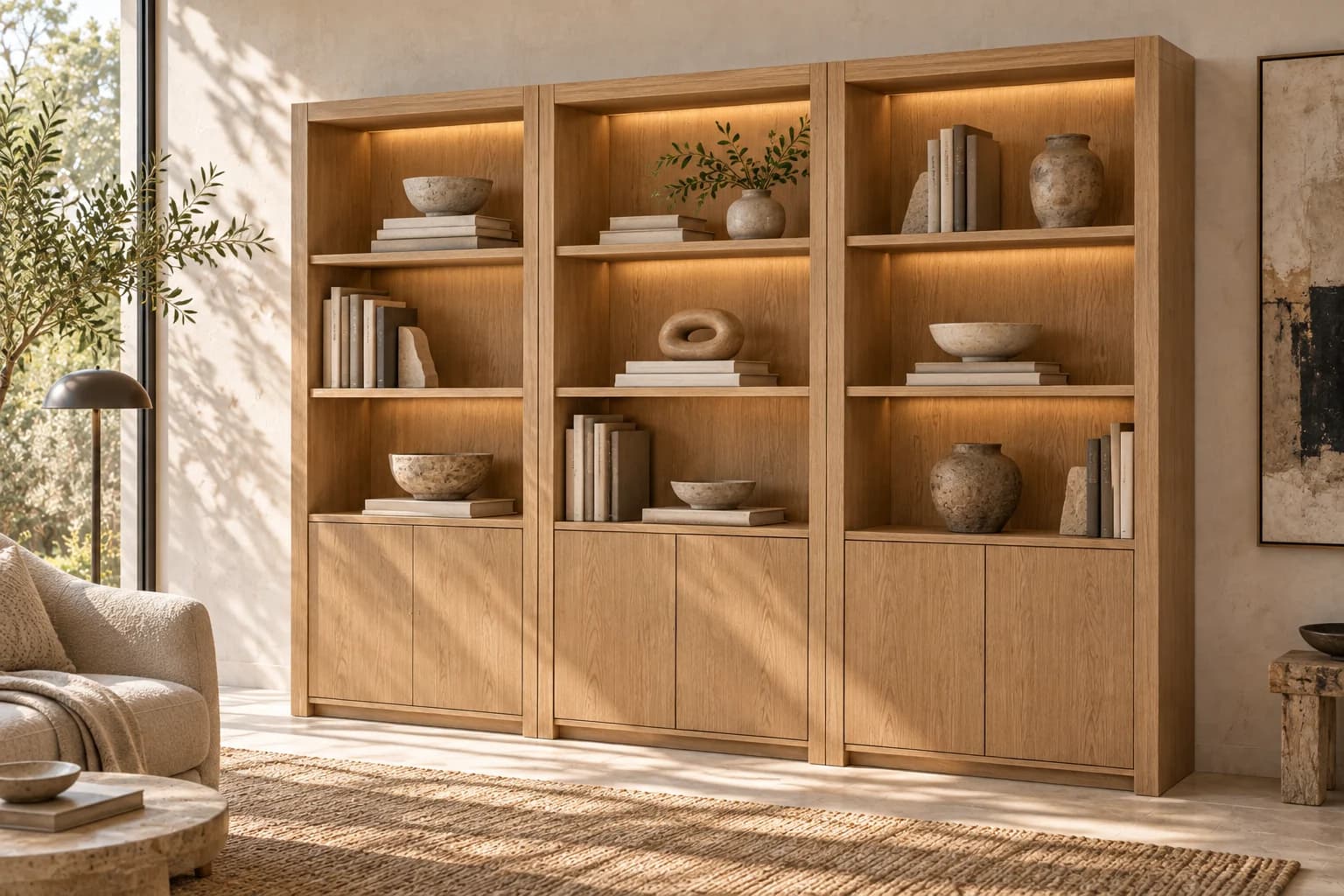
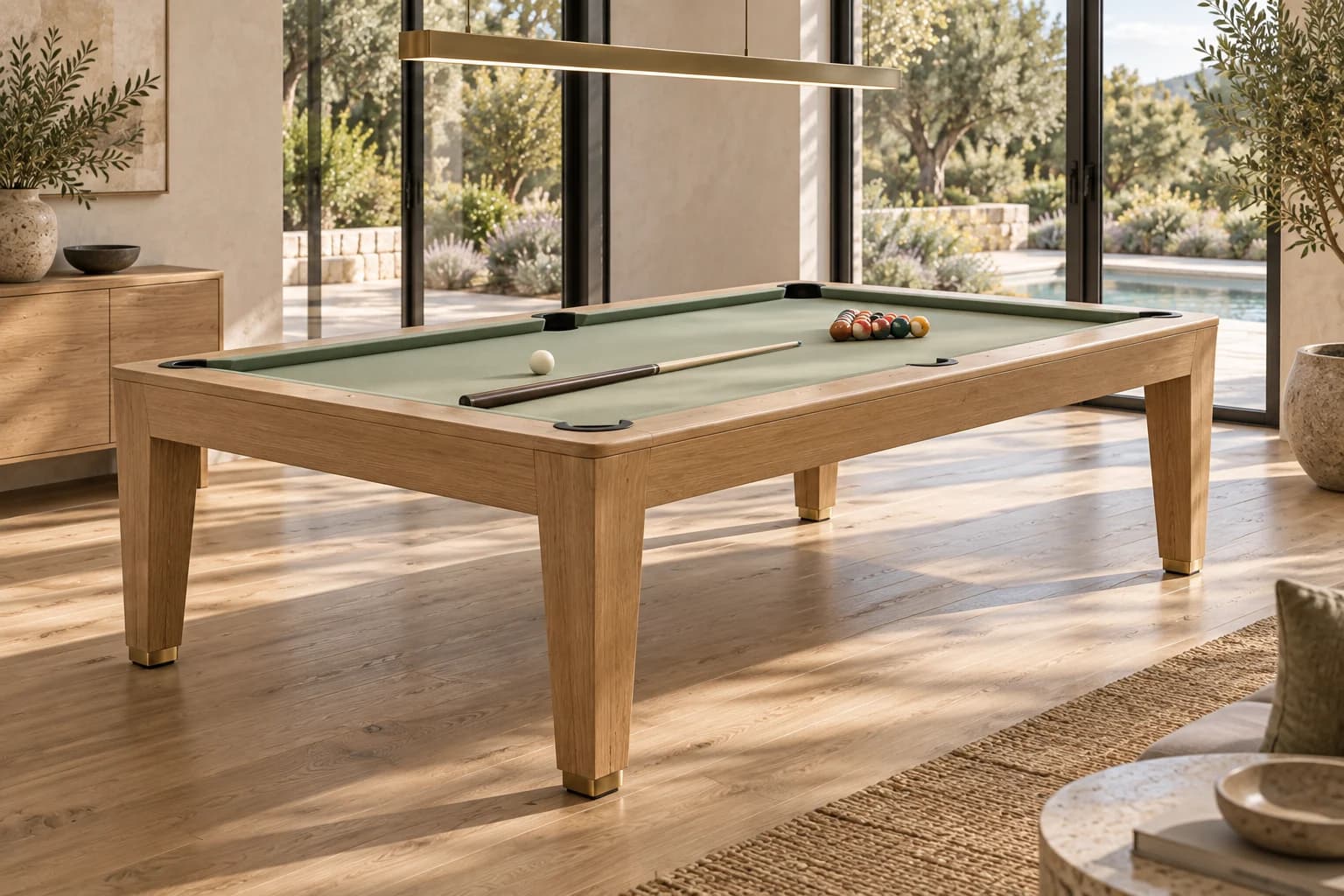
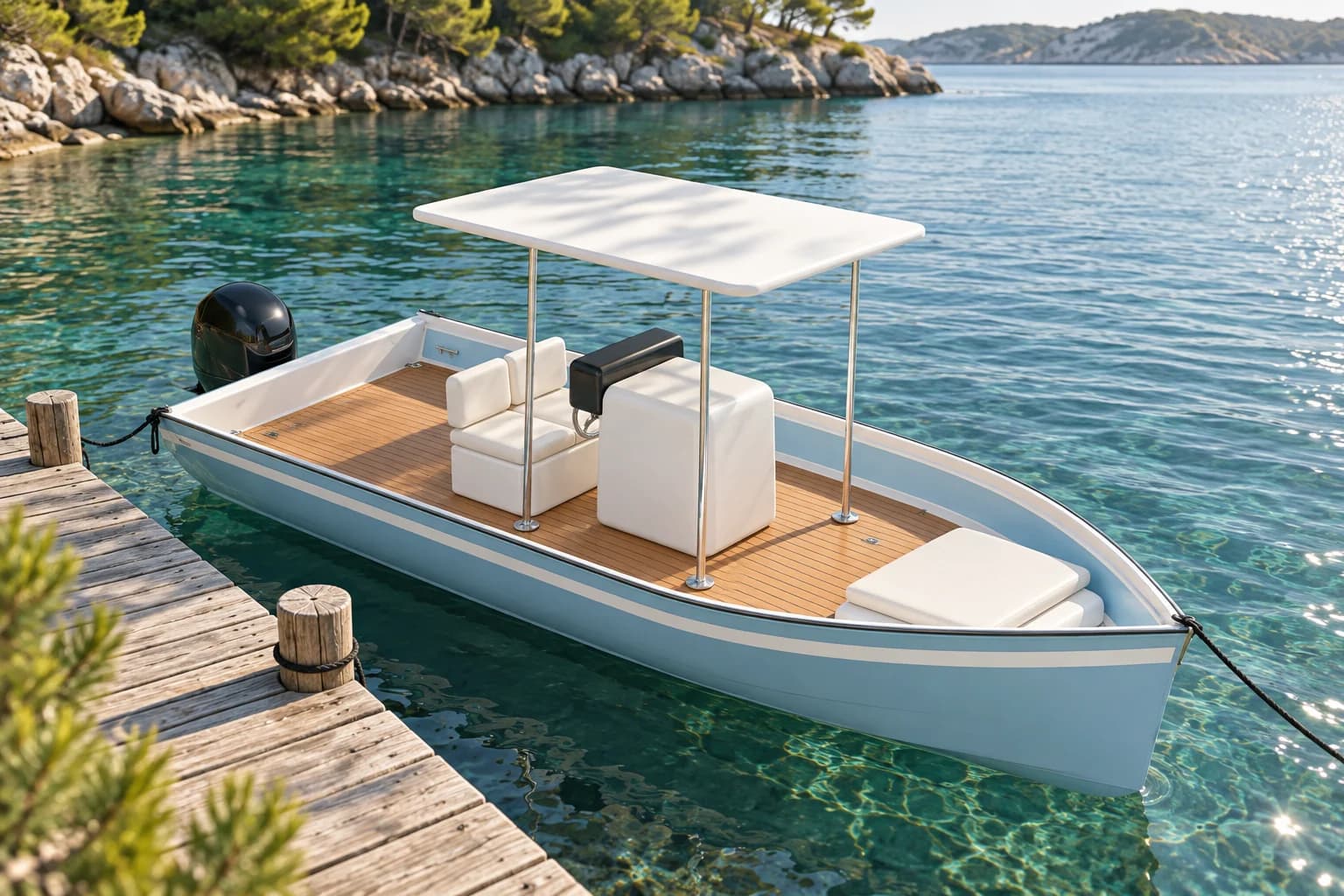
From outdoor living and furniture to a complete expedition yacht. Discover how a compelling product experience and the logic behind it come together.

Explore all studios
01 / EXPEDITION YACHTPale grey expedition yacht with glazed decks on turquoise water beside a green coastlineA world of your own making.

In focus / Powered by the Skyeos rules engine

ABYSS / 60

Design the yacht.
Discover the logic.

Change the mission, materials or energy system. The same rules engine updates the selected parts, the 3D assembly and the illustrative budget together. From the first impression to what lies beneath.

  • 01
    Experience the designExteriors, interiors and moving decks
  • 02
    Explore the connectionsProduct rules, components and 3D assembly
  • 03
    Test a changeOne choice. Its effect, right in front of you.
Original concept studio · Illustrative budget
Choose your world

A different world. The same possibilities.

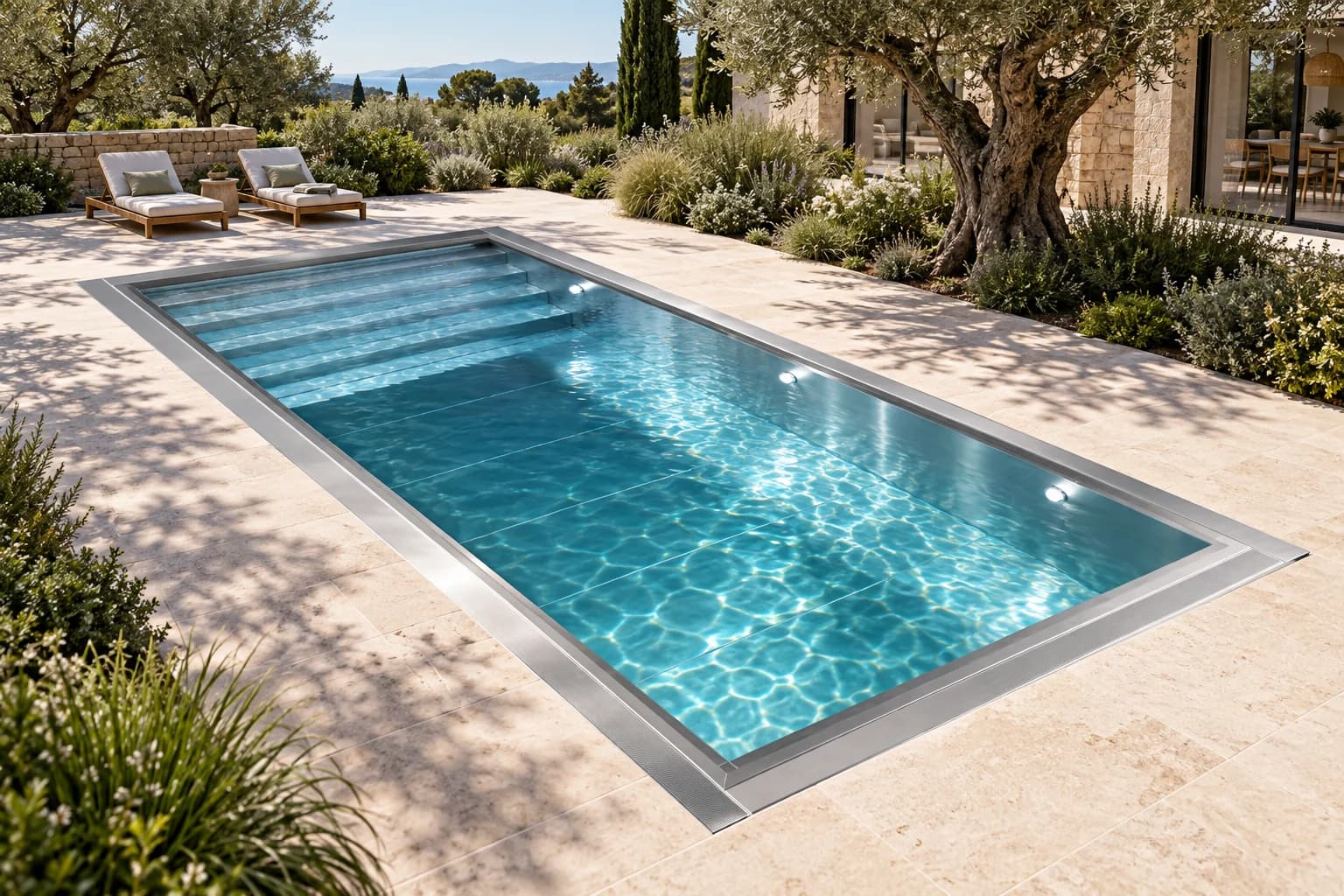
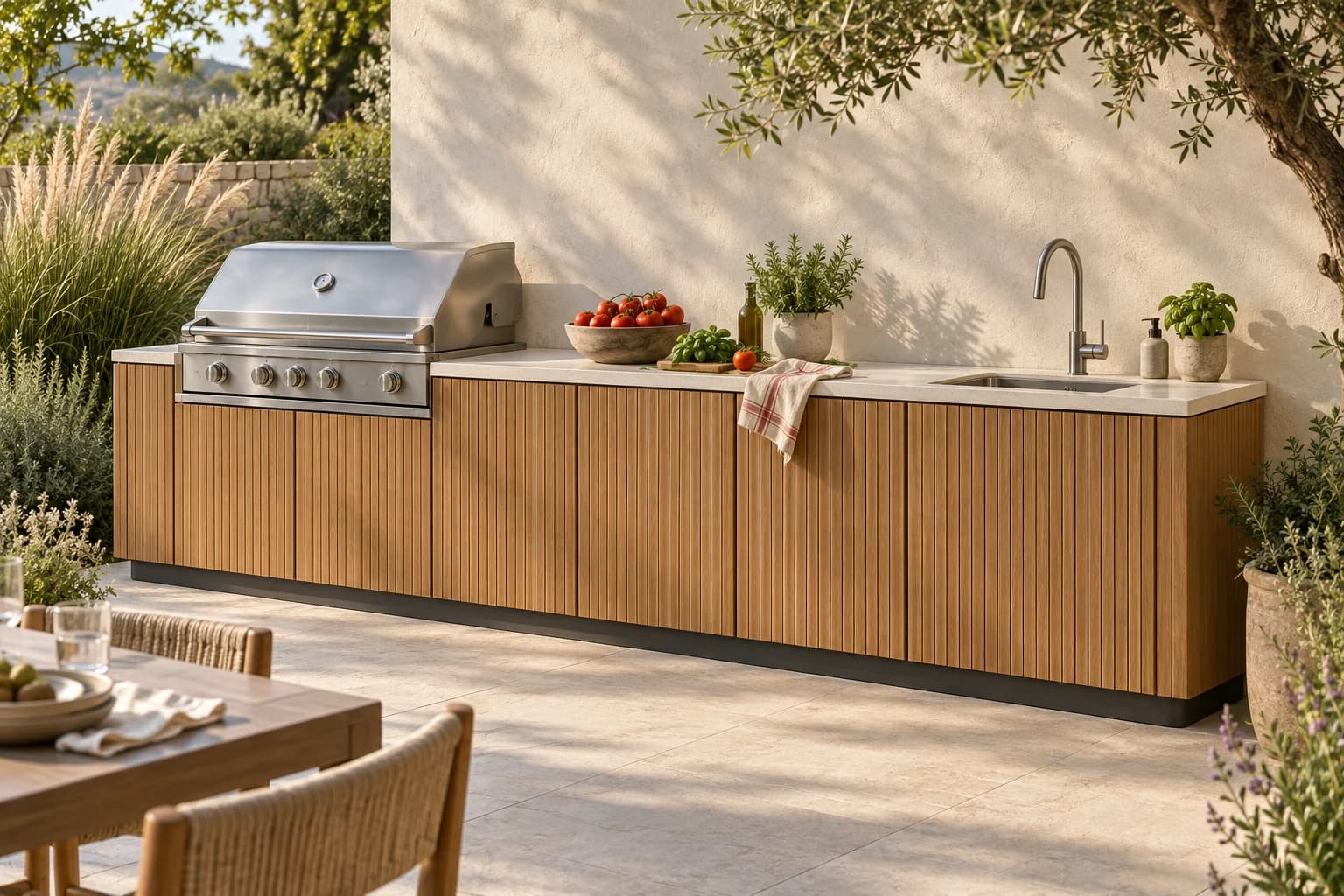
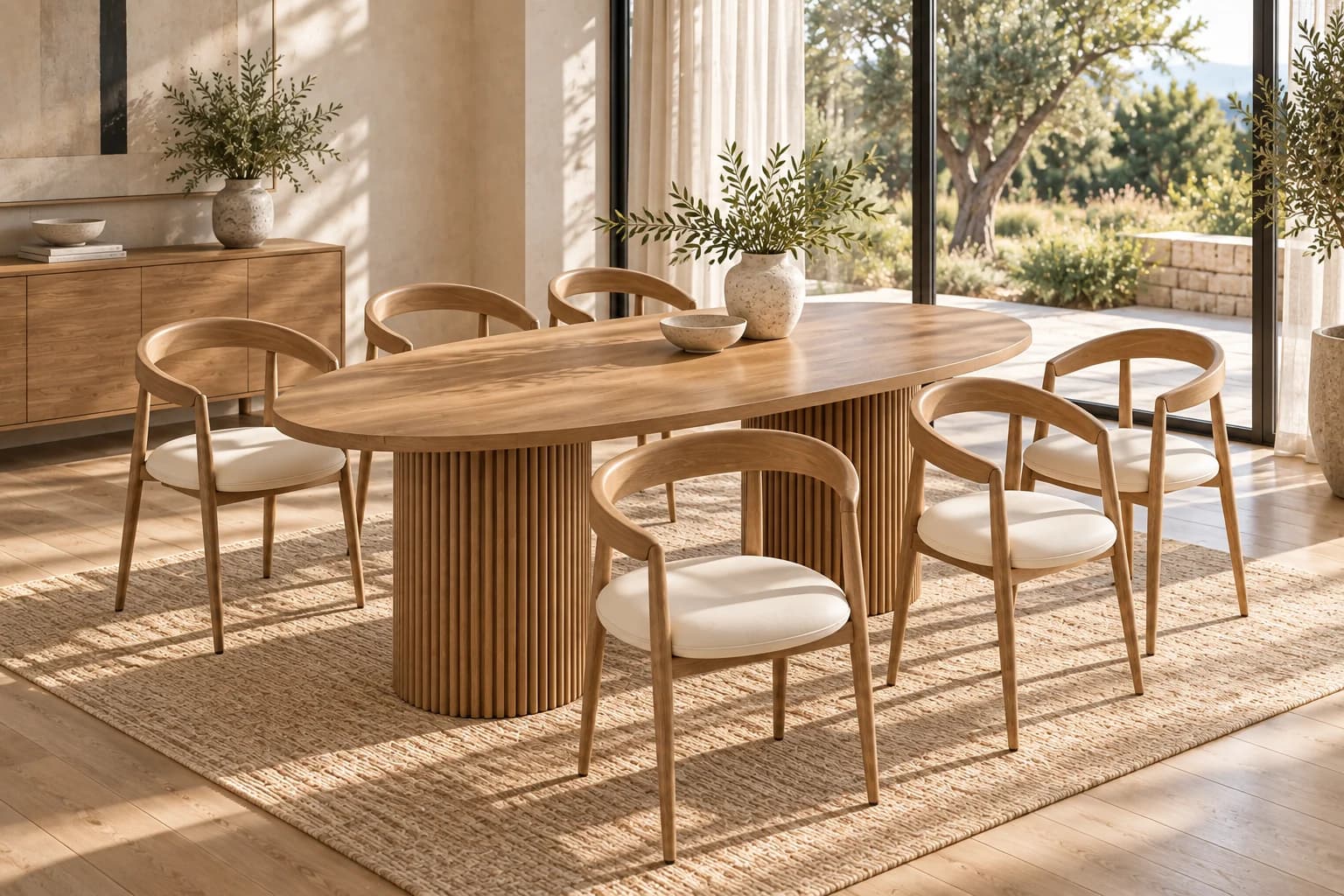
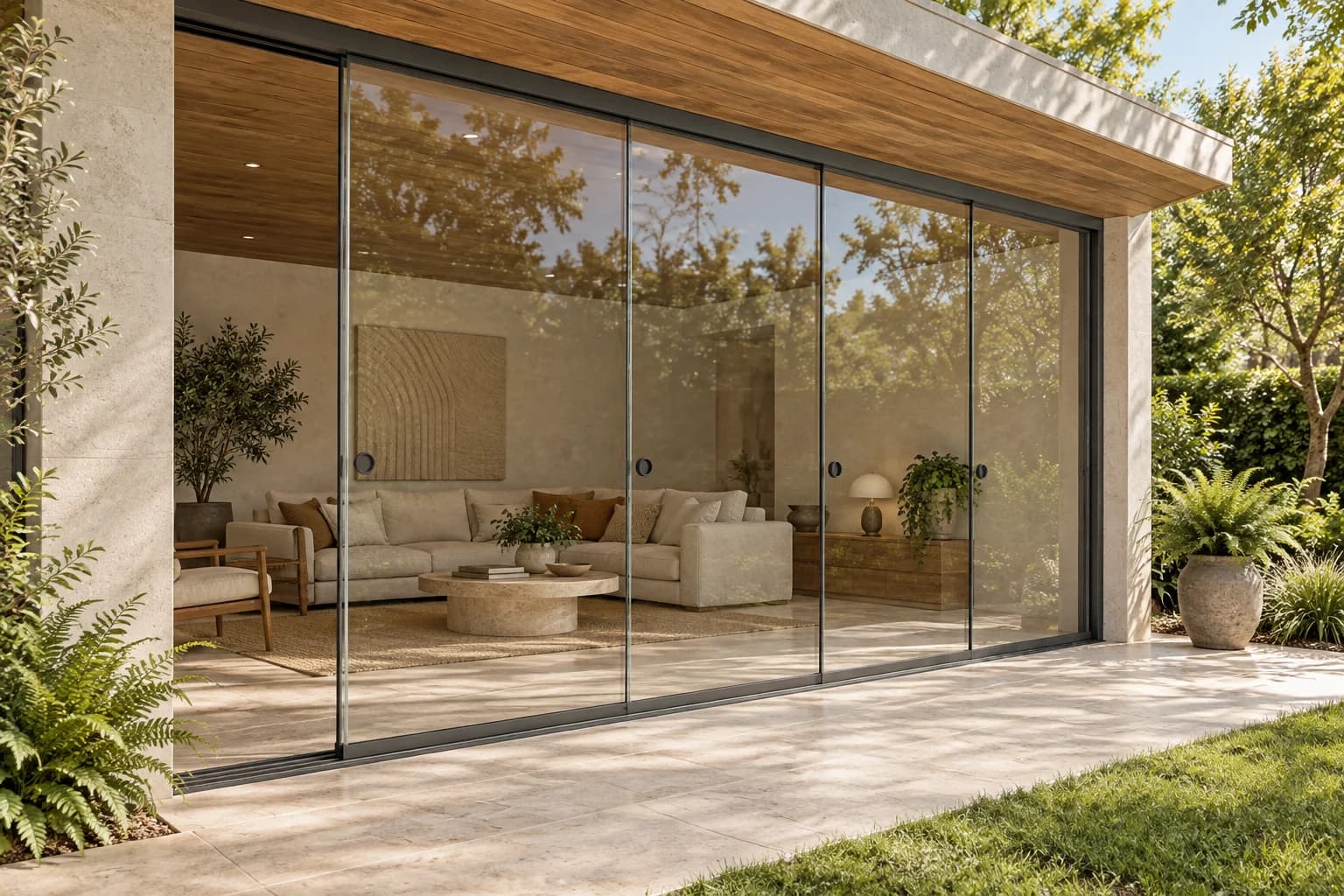
Every image opens a working studio

Skyeos concept studios. Explore the possibilities for your brand, product rules and sales process.

Skyeos 3D engine

Our technology. Visible in your product.

Your product.Down to the detail.

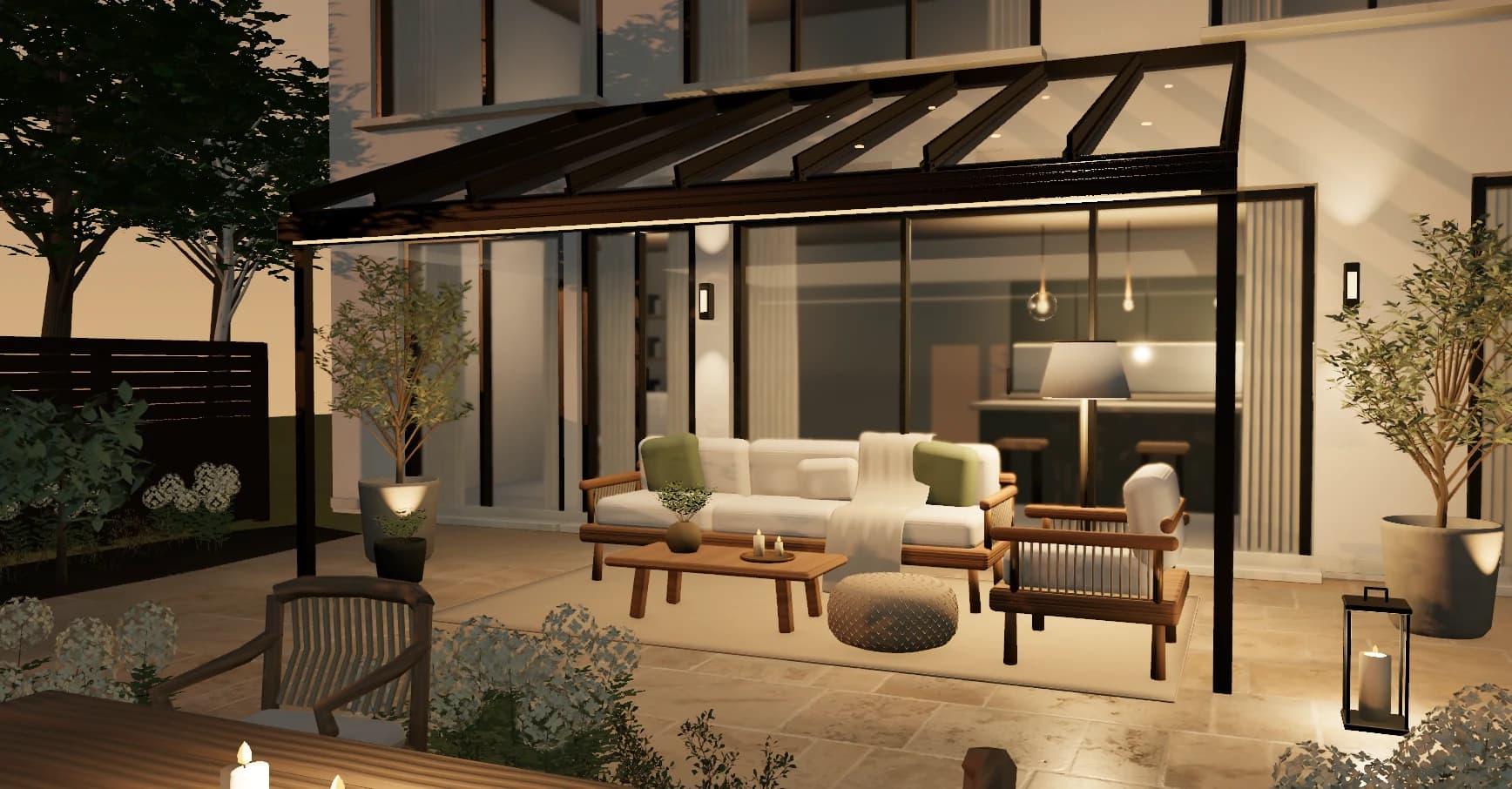
Our own 3D product technology connects dimensions, components, materials and movement in one browser experience. Your customer sees what they are choosing and how the product works.

Browser render of a Sunparadise canopy with a glass roof, transparent walls and a furnished terrace in warm sunlight.Captured from our 3D engine
Sunparadise · product view in the browser
  1. Made to measure. Made to change.

    The model is assembled from product dimensions, components and variants. Change a dimension or choose a different construction and see what it means for the design.

    Dimensions · components · product variants

  2. Material, light and shadow.

    The grain of wood, the finish of aluminium, the transparency of glass. Materials have their own character. Change the light and see the atmosphere and shadows change with it.

    Materials · colour choices · daylight

  3. See how it works.

    Slide a glass wall open or tilt the louvres of a roof. Moving components let your customer experience how open or sheltered a design feels.

    Moving components · spatial experience

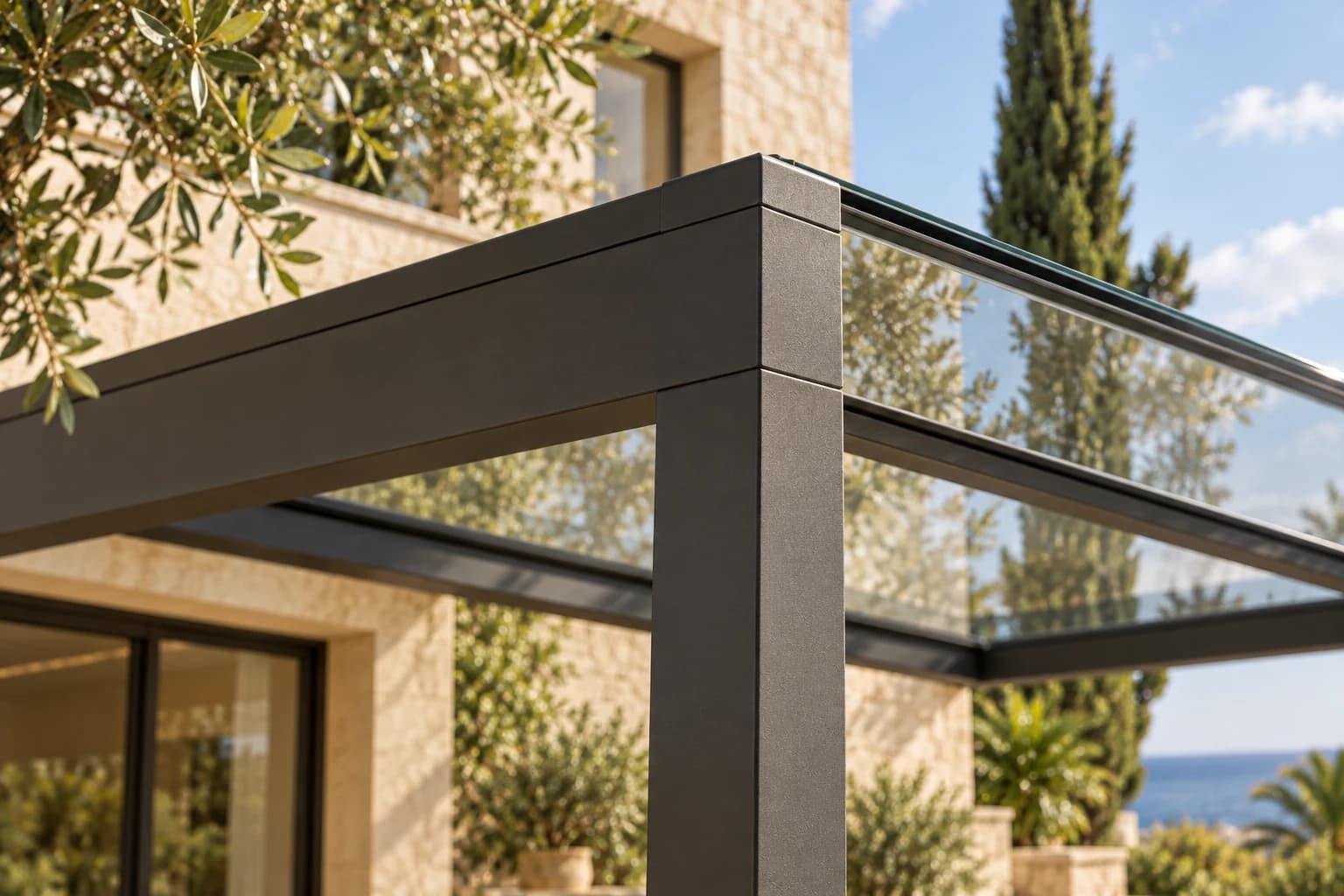
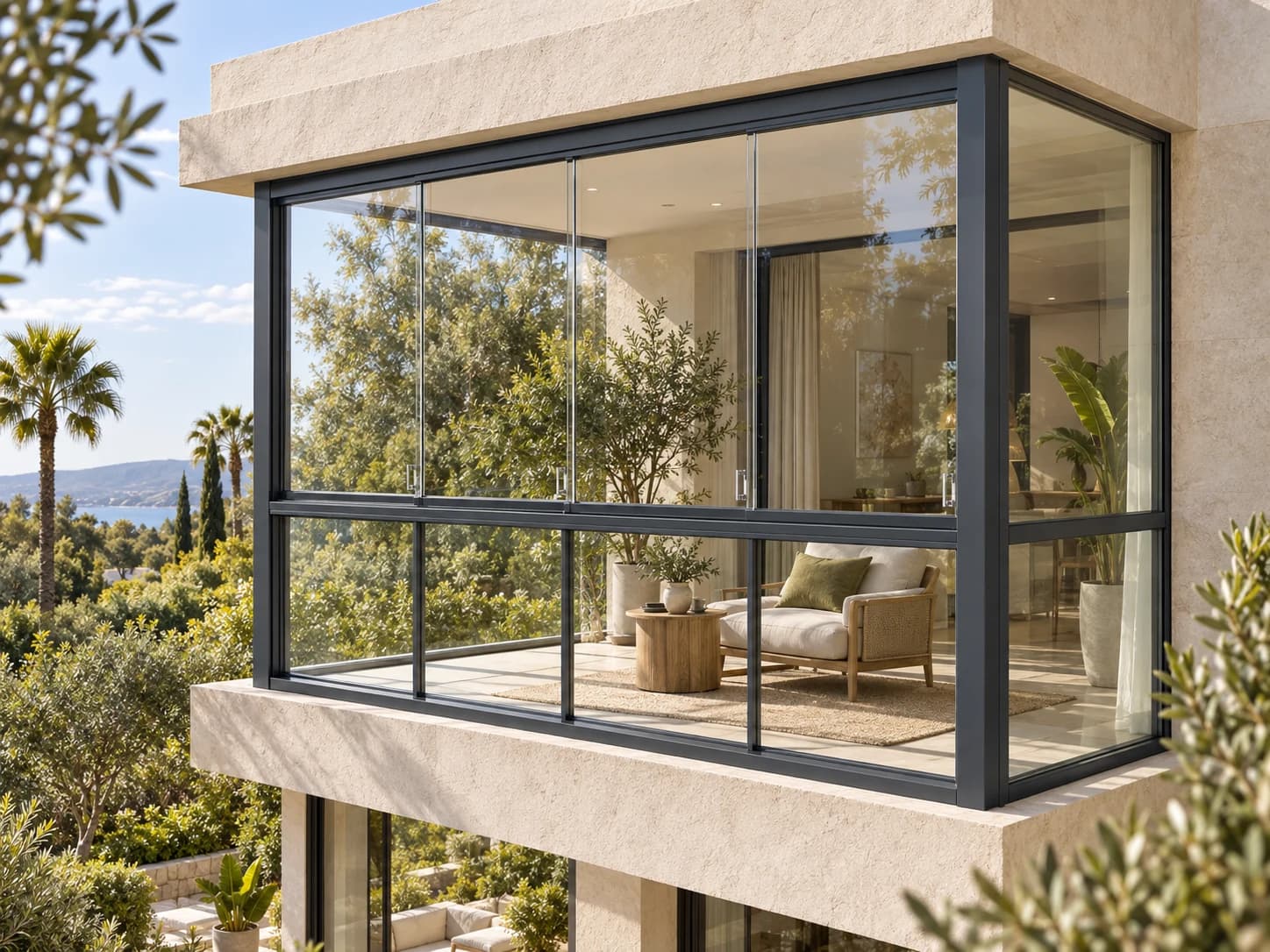
Detail of an aluminium canopy with a glass roof in a green garden.

Visual product management

Your team knows the product. Put it in control.

Let product experts maintain components, rules and customer choices in their configured environment. Select a part, adjust its setting and inspect the effect on your test design.

Explore how your team takes control
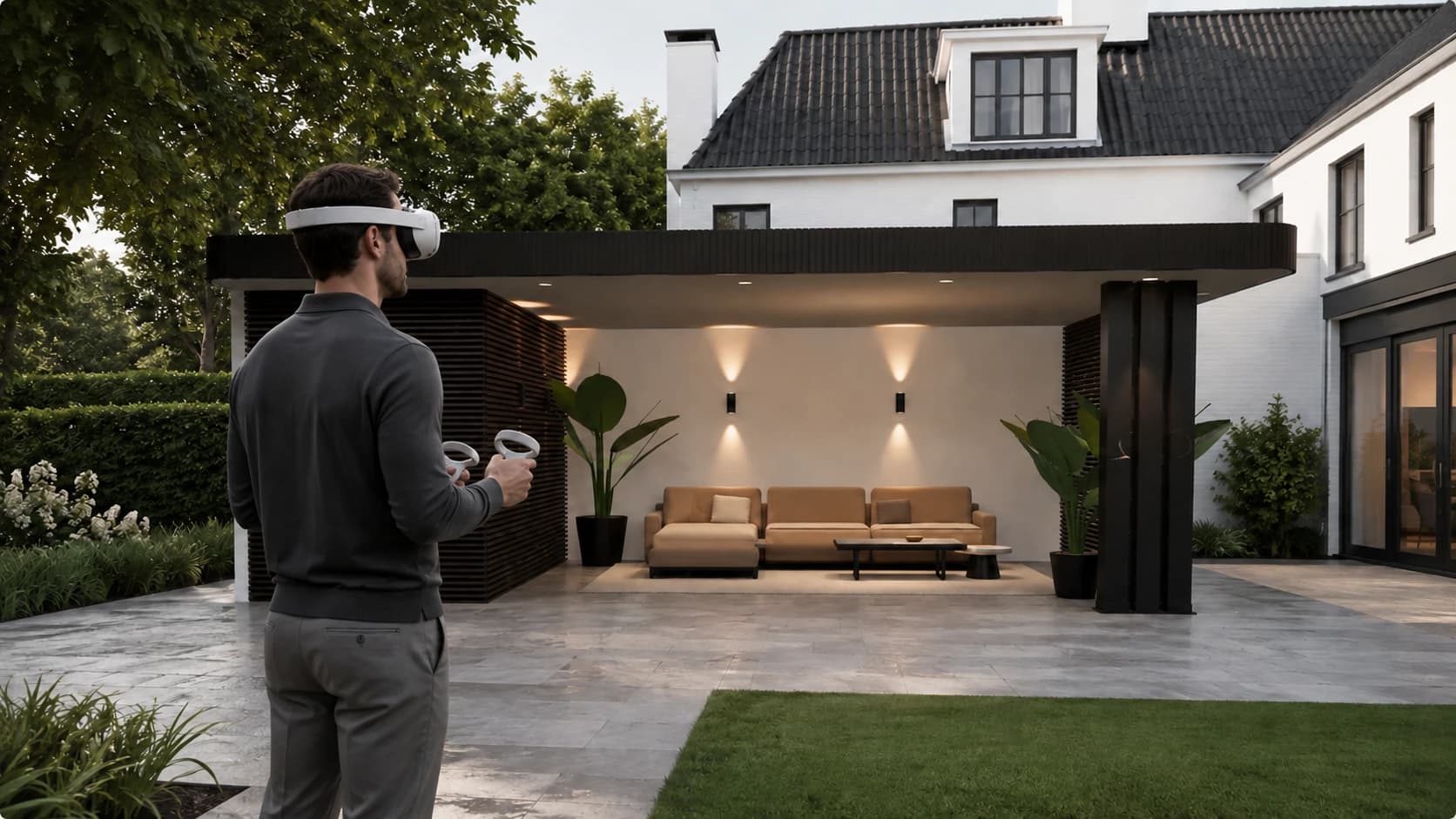
Impression: experiencing a canopy beside a home with a VR headset.
Illustrative spatial experience

3D · AR · VR

From configuring to experiencing.

Let customers see their chosen design in their own setting, or step inside it at full scale. Give a configuration meaning beyond the screen.

Explore 3D & AR product experiences

VR and AR support is defined for each product, device and implementation.

A connected workflow

One choice. A business in motion.

This is how a product enquiry can move through your organisation. We shape each step and handover around the people and systems responsible for the work.

Example workflow · scope and available integrations defined per implementation

  1. 01

    Lead & context

    A product page, dealer or campaign provides the starting point. Product, language and source travel into the project.

    Customer enquiry · product · owner
  2. 02

    Configuration & checks

    The customer or dealer configures the product. Defined product rules determine the configured calculations and checks. The same inputs and rule version produce the same result for your team to review.

    Design · product rules · review
  3. 03

    Pricing & quotation

    The configuration becomes commercial scope. Pricing inputs, options and revisions remain connected so the quotation can be reviewed.

    Pricing basis · proposal · revision
  4. 04

    Acceptance & order

    An approved choice becomes a clear commitment. Everyone involved can see which specification was accepted and who owns the next step.

    Acceptance · specification · handover
  5. 05

    Production preparation

    Supported product models can provide component and production data. Engineering and the receiving systems define the checks before handover.

    Product data · bill of materials · engineering review
  6. 06

    Delivery & service

    The agreed product specification remains useful for planning, installation and service. Status and follow-up questions connect to the same project.

    Project status · installation · service context

Powered by Skyeos Core

Your experience. One connected foundation.

Skyeos CPQ is part of the complete Core package. We build your product experience, data architecture and ways of working around it. Configuration and rollout are defined for each organisation.

  • 01A distinct brand and product experience
  • 02Your own customer environment, hosting and database
  • 03NEXUS connected to permitted business context
  • 04People decide on consequential steps

Built for product complexity

Skyeos CPQ

What if the best way to sell your product also created the best handover?

We define scope and investment together in a proposal. Bring one product family: we discuss 3D assets, product rules, pricing sources and required integrations.