Skyeos · 3D & AR product experiences
Let customers experience your product.Connect their choices to your business.
From a first impression to a design of their own. Bring your product to life through 3D, materials and movement. Then connect the chosen configuration to your sales process.
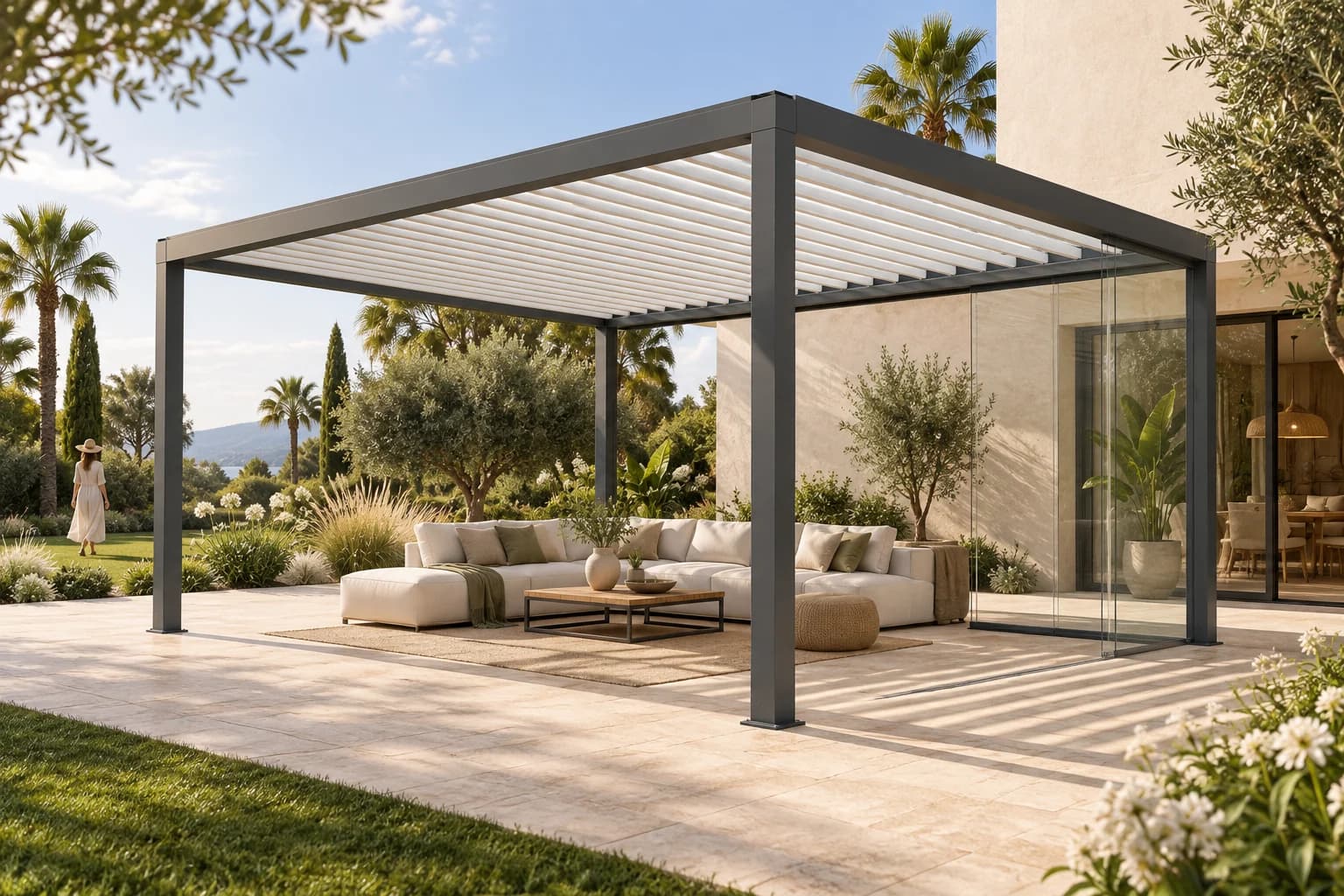
01 / Explore it yourself
A product they can discover for themselves.
Give customers and dealers room to look around, compare finishes and compose a design. In an experience shaped around your brand and product range.
Discover AEREN
A working louvred pergola example. Explore the roof, glazing options and character of your design.
Original concept studio · features and illustrative prices belong to this demo.
02 / See how it works
The difference is in what you can show.
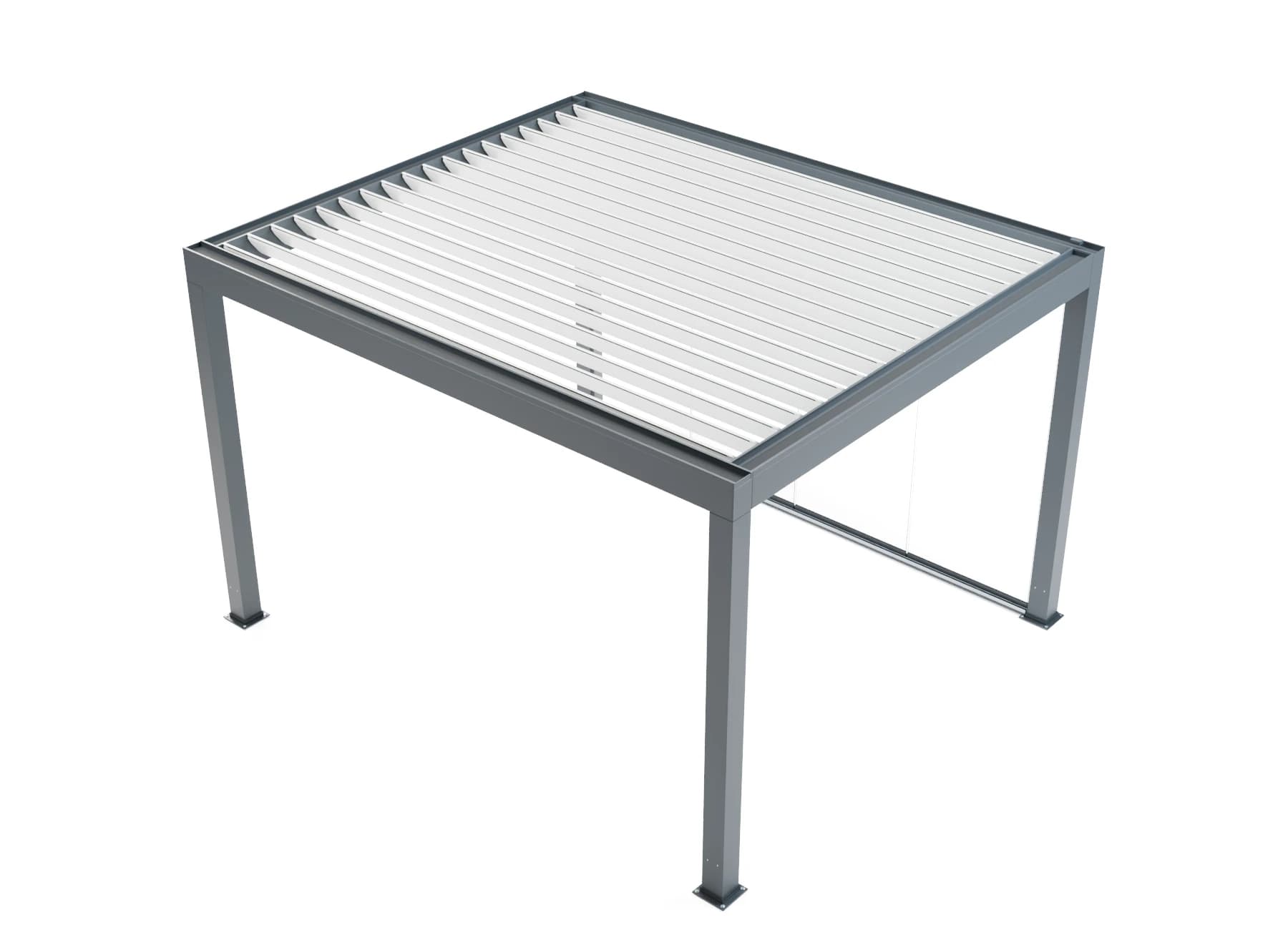
The finish of a profile. The movement of a roof. The components beneath the surface. Make product knowledge visible when someone is making a choice.
Materials & light
Materials & light
Show how timber, aluminium and glass respond to light. Compare finishes within the same product view.
Moving components
Moving components
Opening a glazed wall or tilting roof louvres helps people understand how a product works. We choose the movements that matter for your product.
Assembly & exploded views
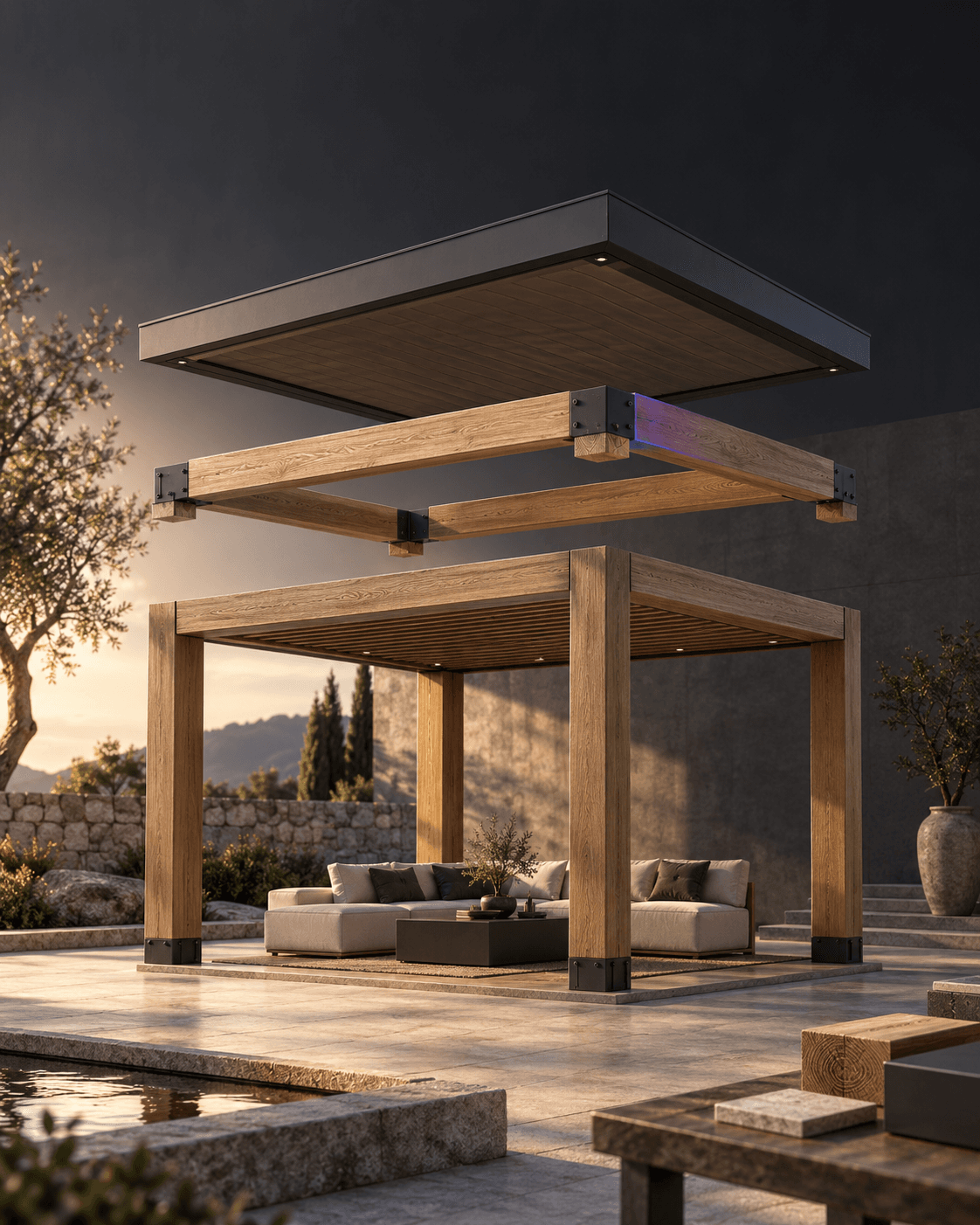
Assembly & exploded views
Suitable product models can show components separately to explain how the assembly fits together. The implementation follows your product data.
03 / In the right space
From the screen to the actual setting.
Scale, space and surroundings make a choice tangible. Explore how a design fits on location, or step inside a virtual showroom.
AR. At the customer's home.
Place a supported configuration in its actual surroundings using a phone or tablet. Explore the proportions and how it relates to the space.
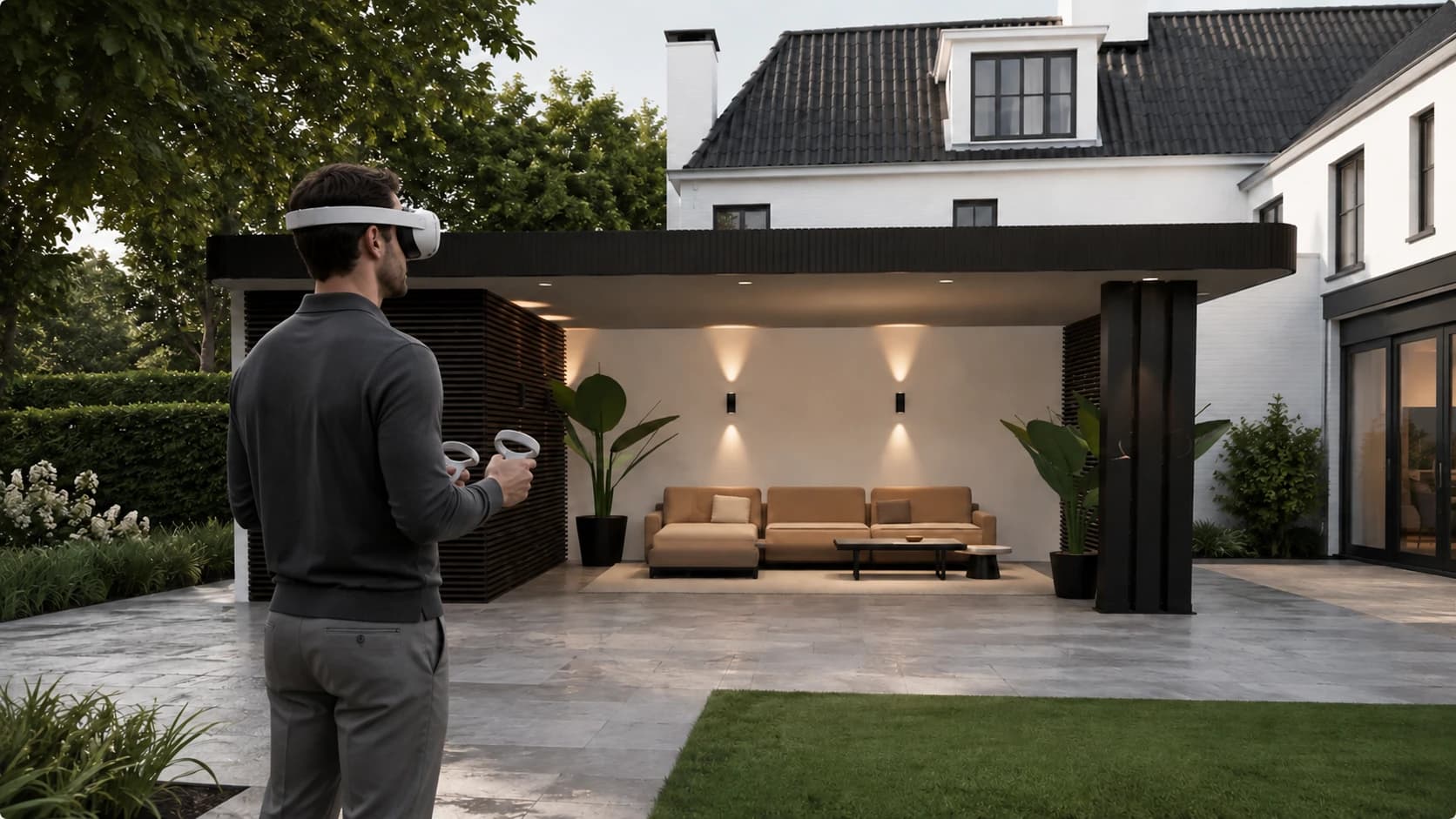
VR. Inside the design.
Experience a product at spatial scale with a suitable headset. For a showroom, dealer conversation or presentation of your range.
AR and VR are configured for each product, device and implementation. We define availability and supported configurations together.
04 / Your product story, everywhere
From product model to images that work.
Use the product model for renders, close-ups and animations too. For your website, dealer presentations and campaigns, with a visual language that belongs to your brand.
- Renders & lifestyle scenes
- Materials & product details
- Animations & demonstrations
Watch product choices in motion
This screen recording shows glazing, RAL colours and the configuration overview in the Sunparadise Design Studio. The recording has no sound.
05 / The choice moves forward
A beautiful design. A useful handover.
The product experience is the front end. Skyeos CPQ connects chosen dimensions, materials and options to product rules, pricing sources and a quotation ready for review.
Skyeos Core gives that choice context in your organisation. NEXUS can connect to permitted product and project information. We shape the handovers around your people and systems.
Chosen configuration
Product rules & pricing inputs
Quotation & human review
Project context in Skyeos Core
Example implementation · checks, sources and integrations follow the agreed scope.
Start with your product range
Bring one product family.
A product, a few important choices and the way you sell today. Together we define the first experience, the assets it needs and the next steps in your business.
We define scope and investment together in a proposal.